Best gaming projectors
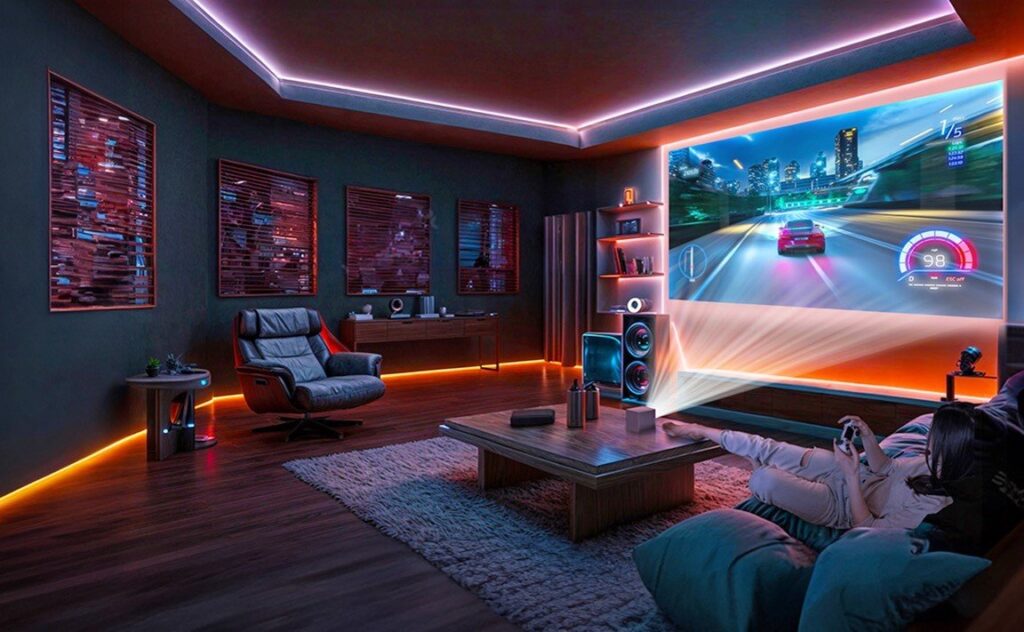
Shopping for the Best Gaming Projectors: A Complete Guide
Shopping for the best gaming projectors should be straightforward. Whether you’re a console gamer or a PC enthusiast, choosing the right projector is essential for the ultimate gaming experience. The key factors to consider are low input lag, the right refresh rate, and a picture that’s visible even in your living room. This guide explains what to buy for PS5/XSX and PC, how to choose between 4K/120 and 1080p/240, and how short-throw and UST technologies can help you set up a big-screen experience even in small spaces.
For detailed, model-by-model analysis, see our Projector Reviews hub.
Best Gaming Projectors – Quick Links
4K/120 for PS5/XSX
Learn more1080p/240 for PC Esports
Explore optionsShort-Throw for Small Rooms
Check out the best picksUST Gaming in Living Rooms
See our UST recommendationsBuying Tips for the Best Gaming Projectors
Buying tipsInput Lag Explained
Detailed guide
How We Test and Score Gaming Projectors
To ensure we recommend only the best gaming projectors, we use a repeatable process and cross-check each model’s performance in real play conditions.
Input Lag: We test hardware lag with high-speed capture at your exact mode. For more details, see our input-lag explainer.
Refresh Support: We confirm 4K/120, 1080p/240, VRR/ALLM, and chroma behavior. Refer to the HDMI 2.1 overview for standards.
Motion & HDR: We test motion clarity and HDR tone-mapping at 4K/60 for cinematic play.
Practicality: We evaluate throw flexibility, fan noise, auto setup, platform compatibility, and HDMI ports (including HDMI 2.1, eARC).
Room Fit: Brightness vs. light-controlled settings—our tests include ALR/UST screens where relevant. For the best screen options, read our ALR guide.
Input-Lag Tiers: Which Projector Fits Your Play Style?
We use input-lag tiers to help you choose the best gaming projectors for your needs.
S-Tier (≤ 8 ms): Ideal for PC esports and fast-paced rhythm games. Feels immediate, rare on projectors, typically at 1080p/240.
A-Tier (≤ 16 ms): Perfect for competitive shooters on console at 120 Hz. Snappy and predictable, ideal for ranked lobbies.
B-Tier (≤ 33 ms): Great for 4K/60 cinematic play, racing games, and RPGs. Smooth enough for most gamers.
C-Tier (> 33 ms): Suitable for casual or party games. Noticeable delay for fighters and fast shooters.
Choosing the Right Gaming Projector for Different Setups
Top Gaming Projectors for Competitive Play: 4K and 120Hz
For the best gaming projectors for console gaming, focus on achieving true 4K/120 on HDMI 2.1 (FRL). Many projectors render 4K/120 at 4:2:0 chroma, which is fine for gameplay but softer for text. For more detailed reviews, check our Sony VPL-FHZ85 review and LG ProBeam BU60PST review.
1080p/240 for PC Esports: High-Speed Play
If you’re after pure speed, 1080p/240 projectors with S- or A-Tier input lag can significantly improve tracking and flicks. For the best gaming projectors for PC esports, look for models with low input lag and high refresh rates. Our Short-Throw Gaming Guide has compact picks for tight spaces.
Short-Throw Projectors for Small Rooms
Short-throw gaming projectors are ideal for small spaces, filling up to 100” from just 2–2.5 meters. They minimize shadows during LAN nights and keep players out of the beam. Check the lens offset and zoom to avoid keystone issues. For mixed-use rooms, our Short-Throw vs UST Guide compares the two technologies.
UST Gaming Projectors for Living Rooms
UST (Ultra Short Throw) projectors work great for gaming in living rooms. They sit close to the wall and project a large image, often using UST ALR screens to protect contrast. Look for a gaming projector with ≤ 33 ms input lag at 4K/60 and ≤ 16 ms at 1080p/120. For an ultra-compact example, check out our hands-on review of the JMGO 02S Ultra.
Buying Tips for Choosing the Best Gaming Projectors
When shopping for the best gaming projectors, here are some key tips:
Match Refresh Rate to Platform: PS5/XSX perform best at 4K/120, while PC esports thrives at 1080p/240.
Chase Measurements, Not Marketing: Always ask for input lag in milliseconds for your exact mode; see our test notes in each review for precise details.
Ports and Audio Path: Prefer HDMI 2.1 with ALLM/VRR and eARC for low-latency audio routing to a soundbar/AVR.
Control Light First: A gray or UST ALR screen significantly boosts perceived contrast more than small lumen differences. Start with our ALR guide.
Turn Off Heavy Processing: Disable MEMC, noise reduction, and dynamic contrast settings when playing.
Mind Throw Math: Use the projector’s calculator to ensure correct throw distance; don’t rely on keystone correction.
Cooling and Noise: Ensure the unit is well-ventilated; check the model’s notes in our reviews for noise levels.
Common Gaming Projector Setups and Performance Expectations
Console Big-Screen (Living Room)
Mode: 4K/120 or 4K/60 HDR
Lag target: A- or B-Tier
Screen: 100–120”, gray ALR if lights are on
Notes: Chroma subsampling at 4K/120 is normal for gaming and won’t affect gameplay. For Dolby Vision-capable USTs, check the JMGO 02S Ultra review.
Esports Corner (PC)
Mode: 1080p/240
Lag target: S-Tier
Screen: 90–100” matte white or light gray
Notes: Sit closer than usual TV distance for best performance. Compare motion clarity with TVs in the Short-Throw Gaming Guide.
Small Room / Shared Space
Mode: 1080p/120 or 4K/60
Lag target: A-/B-Tier
Screen: Short-throw 100” with minimal keystone
Notes: Short-throw keeps the projector behind you, reducing shadows for group play.
Family Room UST
Mode: 4K/60 HDR (casual) + 1080p/120 (fast)
Lag target: ≤ 33 ms at 4K/60, ≤ 16 ms at 1080p/120
Screen: UST ALR
Notes: For UST model ideas, check out the Best UST Projectors for Gaming.
FAQ
Do I need HDMI 2.1 for 4K/120?
Yes. Native 4K/120 requires HDMI 2.1 bandwidth (FRL) on both the projector and the cable.
Is 240Hz useful on a projector?
Yes, especially for shooters and rhythm games. 1080p/240 with ≤ 8–16 ms lag feels very responsive. For cinematic play, 4K/60 with ≤ 33 ms is usually sufficient.
What input-lag is acceptable?
For competitive play, aim for ≤ 16 ms. Casual play is fine with ≤ 33 ms. Anything higher can cause noticeable delay, especially in fast-paced games.
Ready to Choose?
Use the Input-Lag Tiers to shortlist candidates, then match them to your room setup (short-throw or UST) and platform (4K/120 vs 1080p/240). Explore our detailed picks in the Projector Reviews hub, and for small apartments, start with our UST vs Short-Throw guide.
Editors’ Picks
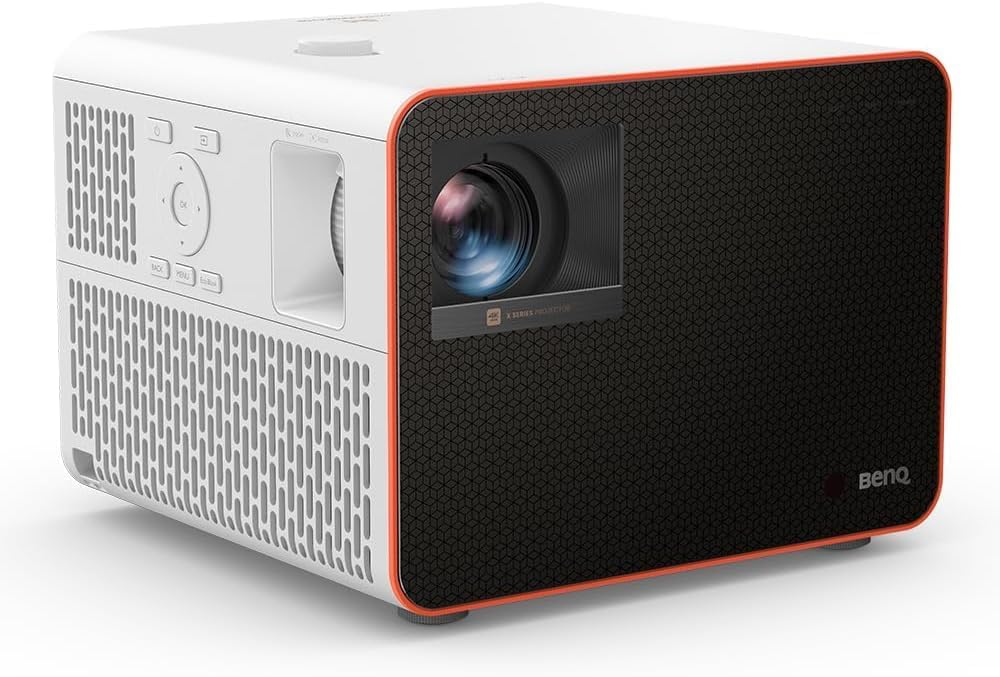
Overall — BenQ X3100i
Balanced for players who want both 4K/HDR immersion and real speed. Game modes deliver 4.16 ms at 1080p/240Hz, 8 ms at 1440p/120, and 16 ms at 4K/60. Bright enough for mixed-use rooms, with genre presets (FPS/RPG/SPG/RCG).
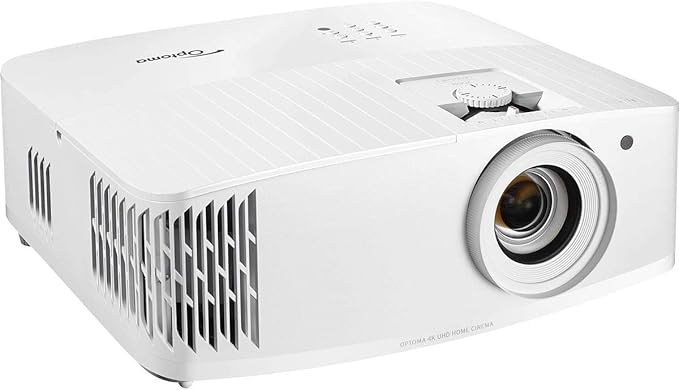
Budget 240Hz — Optoma UHD50X
A cost-effective path to high-refresh gaming. It supports 1080p/240Hz and posts measured input lag around 15.7 ms (1080p/240) and ~25.8 ms (4K/60) in independent tests. Great if you split time between speed and cinema.
review background from ProjectorReviews/Wired.
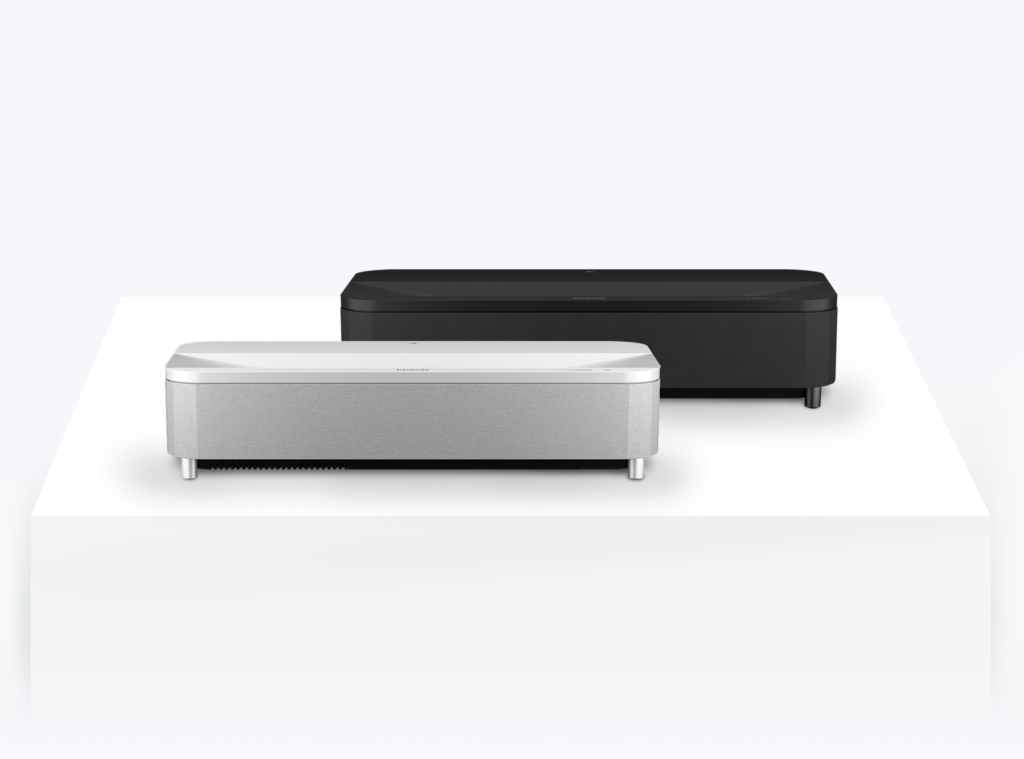
UST for Bright Living Rooms — Epson EpiqVision Ultra LS800
If you game in a bright living room, the LS800 feels TV-like yet huge. Independent testing reports ~9.8–10 ms at 1080p/120 and ~19 ms at 4K/60—very fast for a UST.
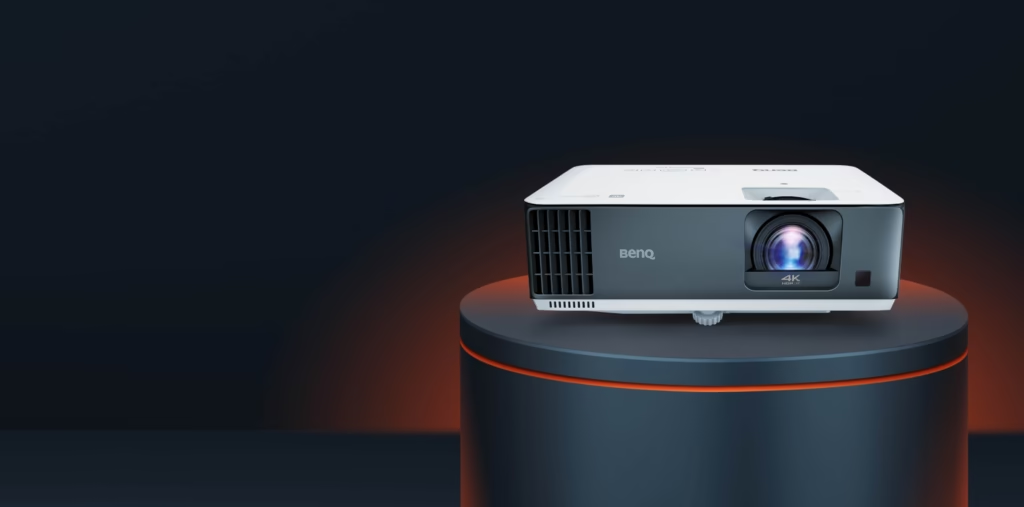
Short-Throw for Small Rooms — BenQ TK700STi
Puts a 100″ image in tight spaces and stays responsive. Expect ~16 ms at 4K/60 with faster 1080p high-Hz modes for competitive play.

Portable Gaming — BenQ X300G
A rare portable that’s genuinely quick. Independent testing shows latency as low as ~4.2 ms in high-Hz modes, with ~16.7 ms at 4K/60. Easy to carry; easy to set up.
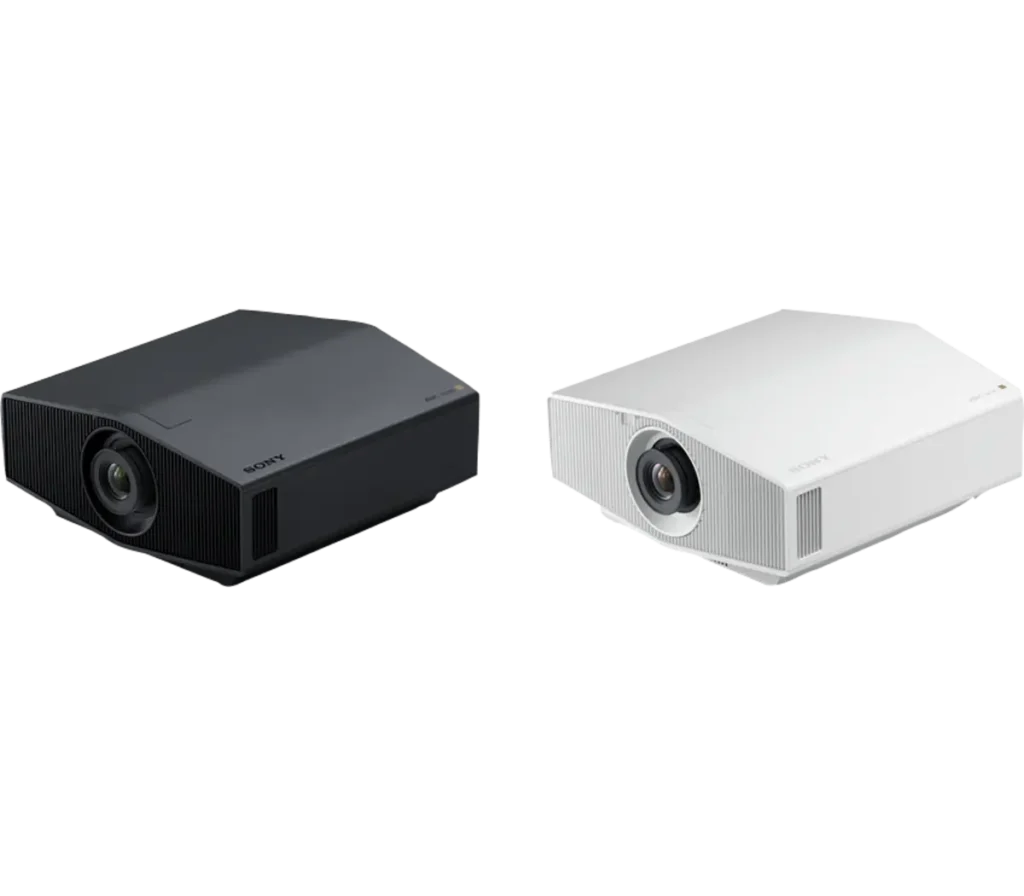
Cinematic Laser for Single-Player — Sony VPL-XW5000ES
For 4K/60 narrative games and films, Sony’s native-4K SXRD looks superb while staying responsive: ~19.6 ms at 4K/60 and ~11.9 ms at 1080p/120 in lab tests.